Secrets of Samsung Galaxy S25 Ultra Battery and How to Make It Last Two Full Days
Technology
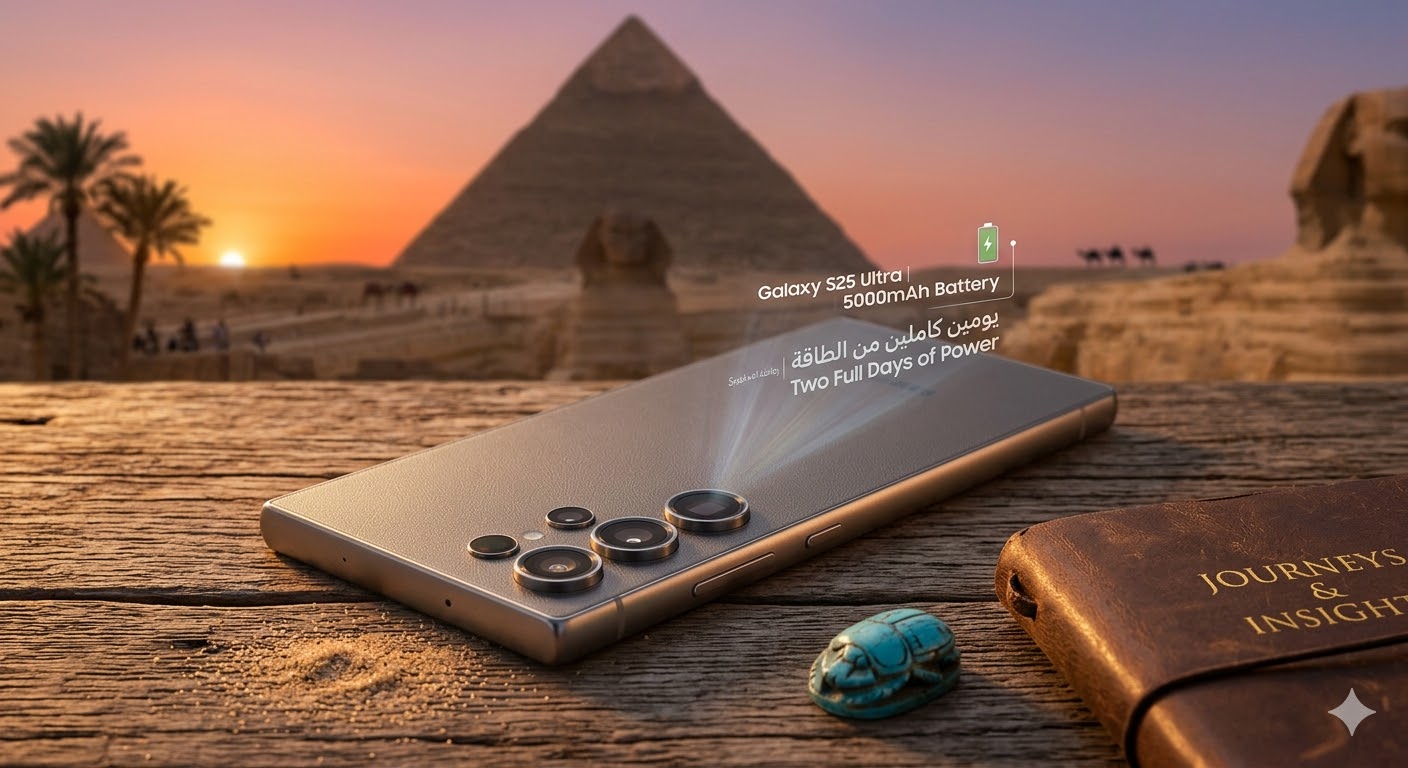
The Samsung Galaxy S25 Ultra is one of the most powerful smartphones in 2026, featuring a Dynamic AMOLED display and the Snapdragon 8 Elite processor. While the 5000mAh battery is impressive, many users want to maximize usage to last two full days without frequent charging.
This guide will reveal hidden battery secrets and provide practical tips to achieve extended battery life, supported by real-world data and expert recommendations.
1. Overview of the Galaxy S25 Ultra Battery
The device features a 5000mAh battery, supporting:
- 45W fast charging
- Wireless charging
- Reverse wireless charging
Key technical features:
- Adaptive Power Saving to manage CPU and display usage
- Smart power management reduces consumption for unused apps
- Dynamic refresh rate from 120Hz down to 1Hz to save energy
While the battery is strong, achieving two full days requires proper setup and usage strategies.
2. Optimizing Phone Settings for Maximum Battery Life
Battery optimization starts with system settings:
- Enable Power Saving Mode
- Reduces background app activity
- Limits unnecessary CPU usage
- Extends battery life during heavy usage
- Activate Adaptive Battery
- Learns your daily habits and prioritizes energy for frequently used apps
- Limits energy for rarely used apps
- Adjust Screen Brightness and Display Settings
- Use automatic brightness or reduce brightness manually
- Enable Dark Mode to save energy on AMOLED screens
- Enable Adaptive Refresh Rate
- Automatically adjusts screen refresh from 1Hz to 120Hz depending on usage
These settings alone can increase battery life by up to 30%.
3. Controlling Apps and Background Usage
Background apps are major battery drains:
- Use Device Care > Battery > Battery Usage to identify high-consuming apps
- Close or disable unnecessary apps
- Turn off automatic updates during nighttime or in the background
- Prefer lightweight apps over heavy alternatives
Proper background management is essential for reaching two days of use.
4. Smart Battery Usage Tips
- Smart Fast Charging
- Charge between 20–30% rather than full frequent charging
- Avoid gaming while charging to prevent overheating
- Reduce Resource-Intensive Services
- Turn off GPS, Bluetooth, and NFC when not needed
- Avoid live wallpapers
- Use Dark Mode: Can save around 20% of display power on AMOLED screens
- Manage Automatic Updates: Update apps and software only on Wi-Fi to reduce battery consumption
- Restart the Device Regularly: Improves CPU performance and reduces battery drain from stuck apps
Combined, these tips help extend usage to two full days without charging.
5. Hidden Battery Secrets of Galaxy S25 Ultra
Samsung included several hidden battery optimization features:
- Battery Protection: Maintains battery health by controlling overnight charging
- AI Power Optimization: Reduces app consumption automatically based on usage patterns
- Adaptive Charging: Learns charging habits to slow down charging when needed for longevity
Leveraging these features can achieve over 48 hours of moderate to heavy usage.
6. Gaming Without Draining Battery
Gaming is one of the highest battery drains. Tips for extended play:
- Enable Balanced Mode in Game Booster
- Adjust FPS and graphics settings
- Reduce visual effects
- Connect to fast charger if playing for extended sessions
These strategies allow gaming without significantly reducing battery life.
People Also Ask
How long does the Samsung Galaxy S25 Ultra battery last?
With 5000mAh, it lasts one full day under heavy use and up to two days under moderate use when optimized.
Does fast charging affect battery health?
No, if Adaptive Charging is used to manage overnight or prolonged charging.
How can I reduce battery drain while gaming?
Use Balanced Mode, lower in-game graphics, and close background apps.
Does Dark Mode save battery?
Yes, Dark Mode can save up to 20% of display power on AMOLED screens.
How to make Samsung Galaxy S25 Ultra battery last two full days:
- Enable Power Saving Mode and Adaptive Battery
- Use Dark Mode and Adaptive Refresh Rate
- Control background apps and disable unnecessary services
- Charge intelligently with Adaptive Charging
- Enable AI Power Optimization
Following these steps allows users to enjoy 48 hours of use without frequent charging.