How to Increase Internet Speed at Home Without Changing Your ISP in 2026: Smart Wi-Fi Optimization Secrets for Faster Internet Without Expensive Upgrades
Technology
How to Increase Internet Speed at Home Without Changing Your ISP in 2026 | Ultimate Wi-Fi Optimization Guide
Discover the best ways to increase internet speed at home without changing your internet provider in 2026. Learn how to optimize Wi-Fi, improve router settings, reduce network congestion, lower ping, and boost internet performance for gaming, streaming, work, and study.
How to Increase Internet Speed at Home Without Changing Your ISP?
In 2026, internet speed has become one of the most important parts of daily life. Whether people work remotely, study online, stream movies, attend Zoom meetings, play online games, or manage digital businesses, a stable and fast internet connection is no longer optional. However, millions of users across the United States, Europe, and other regions still suffer from slow internet speeds inside their homes even though they pay for expensive internet plans every month.
The biggest misconception is that upgrading the internet package or changing the internet service provider is always the only solution. In reality, many homes already receive decent internet speeds from their ISP, but the actual performance becomes much slower because of poor Wi-Fi coverage, outdated routers, network congestion, wrong settings, device interference, or bandwidth-heavy apps running in the background.
Why Is Your Internet Slow Even If You Pay for a Fast Internet Plan?
Modern homes contain significantly more connected devices than they did only a few years ago. Every connected device consumes bandwidth, even when it appears idle. Background applications are another major problem. Operating systems constantly download updates, cloud storage apps synchronize files automatically, streaming services preload content, and apps run analytics in the background. All of these activities consume valuable bandwidth and reduce internet performance for other devices.
How Can You Tell Whether the Problem Is Your ISP or Your Home Network?
The easiest way to diagnose the issue is by running an internet speed test directly next to the router using an Ethernet cable. If the measured speed is close to the speed promised by your provider, then the ISP is likely not the issue. Another clear sign is inconsistent performance across different rooms. If internet speed is excellent near the router but terrible in bedrooms, the problem is weak Wi-Fi coverage.
The Best Router Placement for Faster Wi-Fi Performance
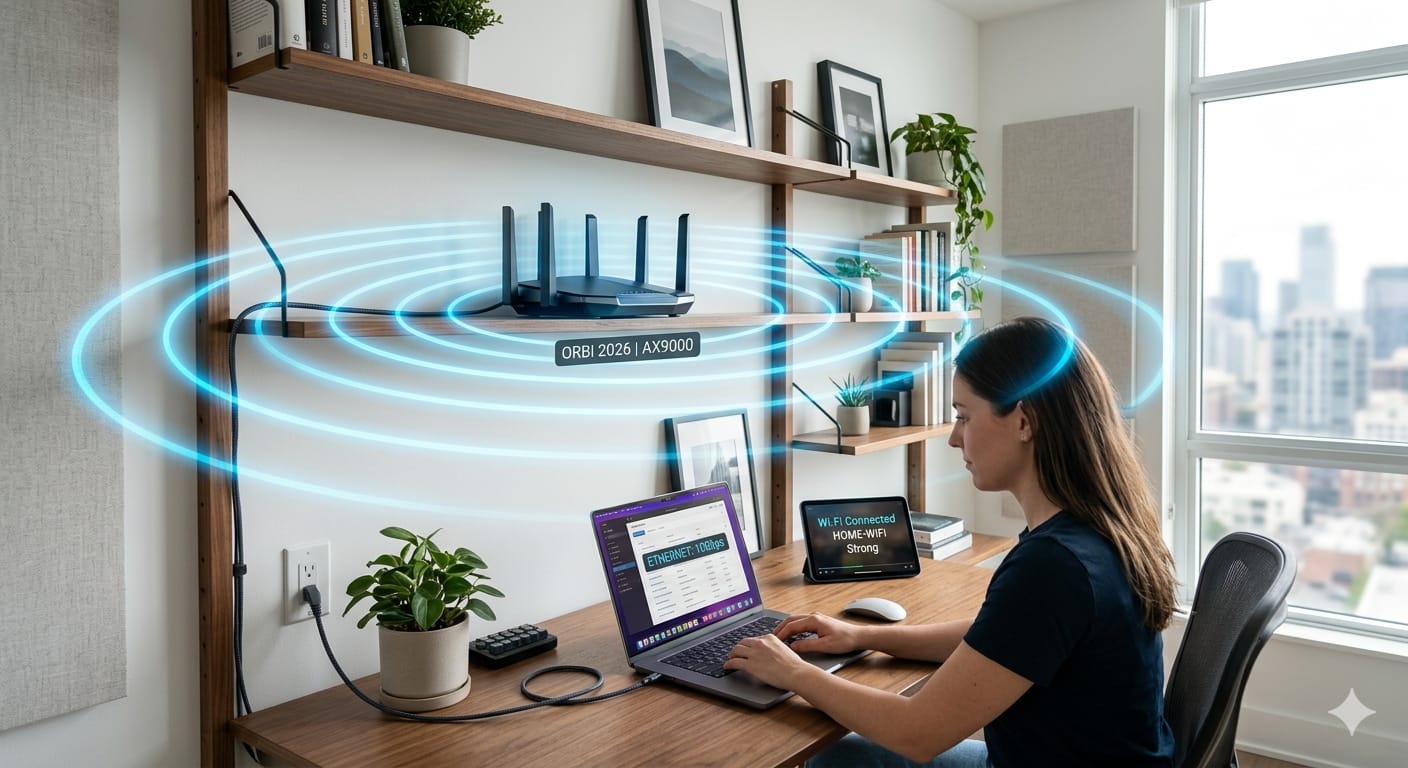
Router placement is one of the most overlooked factors. The ideal position for a router is a central, elevated, and open area inside the house. Large furniture, metal objects, mirrors, and appliances like microwaves create signal interference that weakens internet performance.
How to Improve Internet Speed by Changing Router Settings
Most default settings are rarely optimized. Switching to a less congested Wi-Fi channel can dramatically improve speed. Firmware updates are equally important; manufacturers release updates that improve security and optimize performance. Also, enabling the 5GHz Wi-Fi band offers higher speeds and lower latency compared to the older 2.4GHz band.
Why Ethernet Connections Are Still Faster Than Wi-Fi
A wired connection eliminates interference and signal loss, resulting in lower latency and more consistent speeds. Connecting desktop computers, gaming consoles, and smart TVs directly via Ethernet reduces pressure on the Wi-Fi network, improving performance for mobile devices.
How Background Apps Secretly Slow Down Your Internet
Cloud storage platforms and operating system updates can consume bandwidth silently. QoS (Quality of Service) settings on modern routers help prioritize critical tasks like work meetings or gaming over background downloads.
Does Buying a New Router Actually Improve Internet Speed?
In many cases, yes. Old routers often become the main bottleneck. New routers support advanced technologies such as Wi-Fi 6, MU-MIMO, and AI optimization which handle multiple devices more efficiently.
How Gaming and Streaming Affect Internet Speed
Streaming in 1080p instead of 4K dramatically reduces bandwidth consumption. For smaller screens, the visual difference is often unnoticeable, but the performance gain for the rest of the network is significant.
Conclusion
Improving internet speed at home does not always require a more expensive plan. Simple optimizations such as better router placement, updating settings, and using Ethernet for critical devices can dramatically improve your experience.
FAQ – Frequently Asked Questions?
Does Changing Router Placement Really Improve Internet Speed?
Yes. Placing the router in a central, elevated, and open location improves Wi-Fi coverage and reduces signal interference.
Can an Old Router Cause Slow Internet?
Absolutely. Older routers may not support modern Wi-Fi standards and often struggle with multiple connected devices.
Target Summary
The best way to increase internet speed at home without changing your ISP is by optimizing router placement, enabling 5GHz Wi-Fi, reducing background bandwidth usage, updating router firmware, using Ethernet for critical devices, and upgrading outdated networking equipment.