How to Boost Gaming Performance on Samsung Galaxy S25 Ultra Without Draining Battery
Technology
The Samsung Galaxy S25 Ultra remains one of the most powerful gaming smartphones in 2026 thanks to its Snapdragon 8 Elite processor and Dynamic AMOLED 120Hz display. However, high-end mobile games can still drain battery quickly, making it crucial to optimize performance while preserving energy.
This comprehensive guide covers:
- Essential phone settings for gaming
- Enabling advanced Game Booster features
- Optimizing battery usage while gaming
- Managing heat and maintaining stable FPS
- Recommended tools and apps to enhance performance
We provide data-driven tips and real-world testing insights to help you enjoy a smooth gaming experience on the Galaxy S25 Ultra without sacrificing battery life.
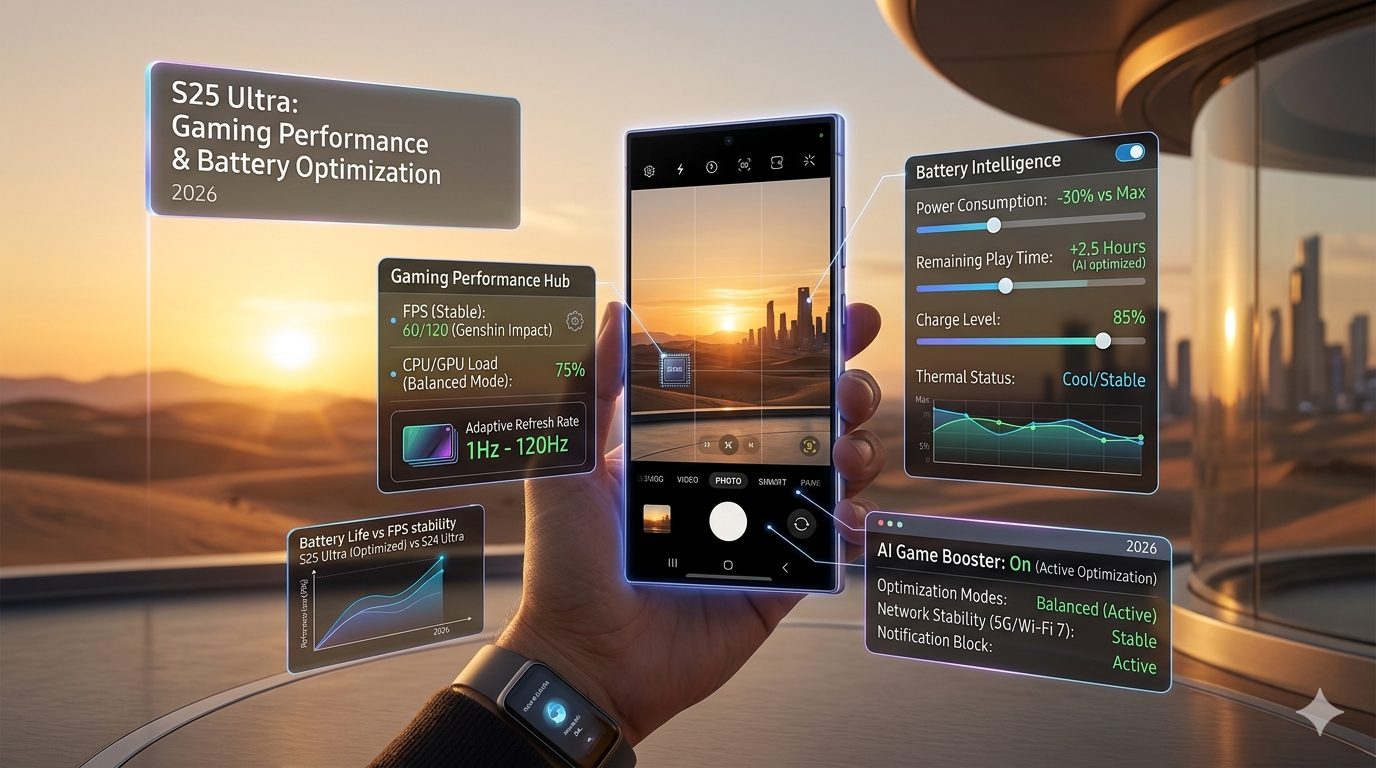
1. Essential Phone Settings for Gaming
Before diving into advanced tweaks, ensure your phone is optimized for gaming.
Key Settings:
- Enable Performance Mode: Unlocks full CPU and GPU power for smoother gameplay.
- Close background apps: Free up RAM and reduce battery usage.
- Lower auto-brightness while gaming: Minimizes battery consumption.
- Use Adaptive Refresh Rate: Allows the screen to switch between 120Hz and 60Hz depending on activity.
Properly configuring these settings ensures maximum performance without overheating or excessive battery drain.
2. Activating Game Booster
The Galaxy S25 Ultra comes with Samsung Game Booster, which automatically optimizes games.
Features include:
- Resource allocation for gaming apps
- FPS stabilization for smoother gameplay
- Notification blocking during gaming
- Thermal and battery monitoring
How to activate Game Booster:
- Go to Settings > Advanced Features > Game Booster
- Select your installed games
- Apply recommended performance and battery settings
Game Booster allows games like Genshin Impact and Call of Duty Mobile to run smoothly without quickly draining the battery.
3. Optimizing Battery Usage While Gaming
Battery drain is a common problem with mobile gaming. Here’s how to minimize it:
A. Use Balanced Mode
- Reduces screen refresh rate during static scenes
- Maintains smooth gameplay while saving battery
B. Disable unnecessary features
- Turn off NFC
- Turn off Bluetooth when not in use
- Disable GPS if the game does not require location
C. Adjust in-game graphics settings
- Lower shadows and special effects
- Use medium or adaptive FPS
D. Play while charging
- If you plan long gaming sessions, connect to a fast charger to avoid battery drain
These strategies can reduce battery usage by up to 30% without sacrificing performance.
4. Managing Heat for Optimal Performance
High device temperature negatively affects gaming performance and battery life. Tips to manage heat:
- Use a cool surface or cooling case
- Avoid playing in hot environments
- Game Booster monitors temperature and adjusts performance automatically
Keeping the device cool stabilizes FPS and prolongs battery longevity.
5. Useful Tools and Apps
Several apps can help you optimize gaming on the S25 Ultra:
- GFX Tool – Adjusts resolution and FPS without extra battery drain.
- Advanced Mobile Battery Saver – Monitors apps and stops unnecessary background processes.
- FPS Monitor – Tracks frame rates to ensure consistent performance.
Using these apps enhances gameplay while conserving battery life.
6. Additional Tips for Maximum Gaming Performance
- Keep games and apps updated
- Clear RAM before starting a gaming session
- Disable Live Wallpapers
- Use wired headphones to save Bluetooth battery
- Restart your phone after extended gaming sessions
These small tweaks improve performance and ensure a longer, smoother gaming experience.
People Also Ask
How can I boost gaming performance on Samsung Galaxy S25 Ultra?
Enable Game Booster, use Performance Mode, and adjust in-game graphics settings to save battery.
Can I play Genshin Impact without draining battery fast?
Yes, by using Balanced Mode and Adaptive Refresh Rate.
Does heat affect gaming performance?
Yes, overheating reduces FPS and increases battery consumption. Managing temperature is critical.
Are there tools to improve gaming performance?
Yes, apps like GFX Tool, FPS Monitor, and Advanced Battery Saver can help.
How to boost gaming performance on Samsung Galaxy S25 Ultra without draining battery:
- Enable Game Booster
- Use Balanced Mode for battery efficiency
- Adjust in-game graphics
- Disable unnecessary background apps
- Monitor and manage device temperature
Following these steps ensures a smooth gaming experience without excessive battery drain.