Download Ready-to-Use PDF Templates 2026: The Ultimate Guide to Free & Professional Editable Designs
Technology
You can download ready-to-use PDF templates for free from platforms like Canva, Adobe Acrobat, and Google Docs. These tools provide editable templates for resumes, invoices, contracts, planners, and reports, helping users save time and create professional documents without design skills.
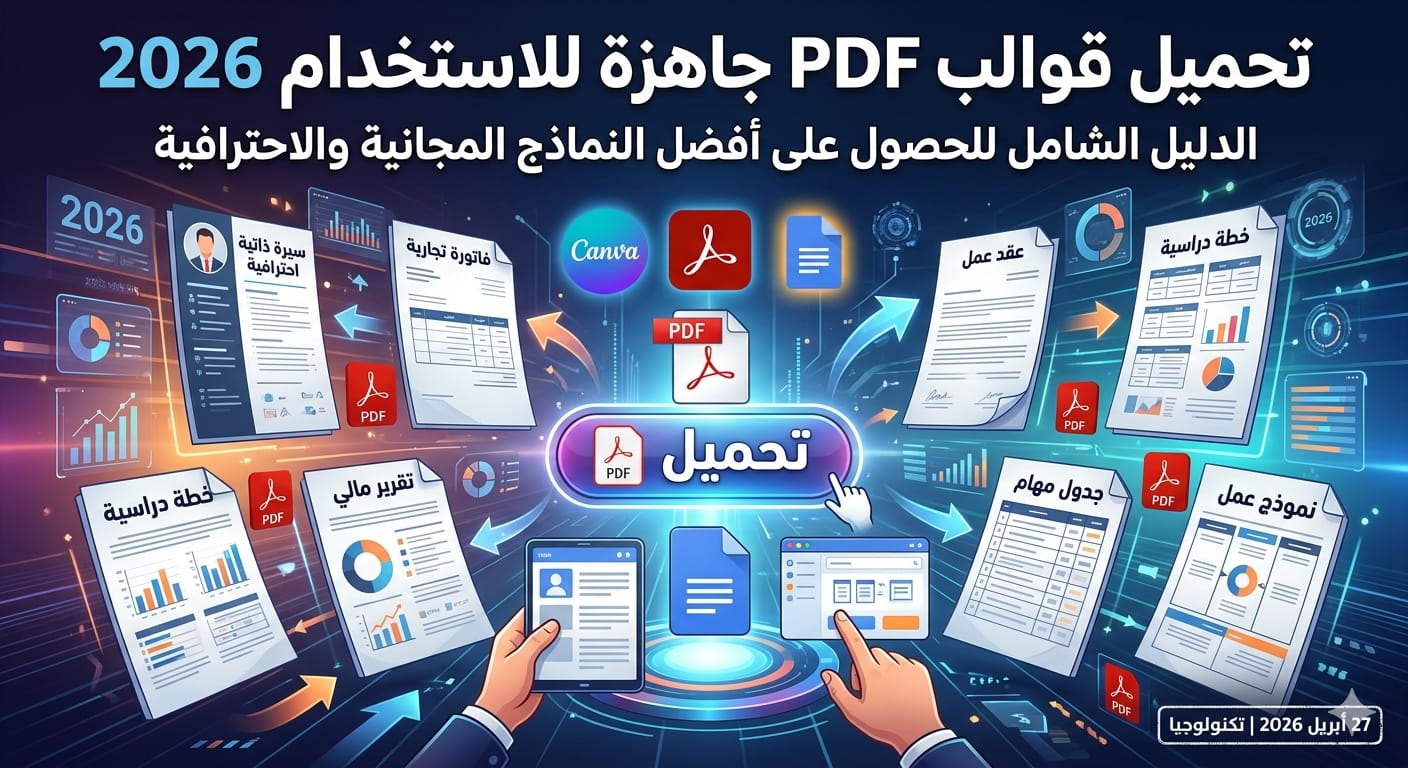
In 2026, productivity and speed are no longer optional—they are essential for success in both professional and personal workflows.
Creating documents from scratch wastes valuable time that could be invested in more important tasks.
That’s why ready-made PDF templates have become a core tool for students, freelancers, and businesses.
They allow you to instantly generate professional-looking documents with minimal effort.
Using templates is not just a convenience—it’s a competitive advantage in today’s digital economy.
Ready-made PDF templates are pre-designed documents that you can instantly use or customize.
They come with structured layouts, typography, and formatting already optimized for professional use.
These templates are widely used for resumes, invoices, contracts, and business reports.
They eliminate the need for design skills while maintaining high visual quality.
In short, they transform complex document creation into a simple process.
They save significant time and effort in document creation.
They ensure a consistent and professional design.
They are easy to edit and customize.
They work across multiple devices and platforms.
Resume and CV templates.
Invoice and billing templates.
Contract and agreement templates.
Educational planners and schedules.
There are many platforms offering high-quality PDF templates in 2026.
Some are completely free, while others provide premium features for advanced users.
Choosing the right platform can drastically improve your workflow.
Focus on platforms that combine quality, usability, and flexibility.
Here are the top platforms dominating the market today.
Canva offers thousands of ready-to-use PDF templates.
You can edit templates directly in your browser without installing software.
It supports drag-and-drop customization.
Perfect for beginners and professionals alike.
Adobe Acrobat provides high-quality document templates.
It allows direct editing of PDF files.
Widely used in business and corporate environments.
Ideal for formal and legal documents.
Choosing the right template can save hours of work.
Not all templates are created equal.
Focus on usability, clarity, and flexibility.
Design matters, but functionality matters more.
A smart choice improves productivity and output quality.
Clean and readable design.
Easy customization options.
High-quality formatting.
Compatibility with multiple devices.
Choosing based on design only.
Ignoring usability.
Downloading from unsafe websites.
Not customizing the template properly.
PDF templates are not just files—they are productivity tools.
They streamline repetitive tasks.
They reduce errors in document creation.
They improve organization and workflow.
They allow you to focus on high-value work.
Always use templates for recurring tasks.
Customize templates for your workflow.
Save reusable versions.
Update templates regularly.
Google Docs
Canva
Adobe Acrobat
PDF editing software tools.
Downloading ready-to-use PDF templates is a smart move in 2026.
They save time, increase efficiency, and improve document quality.
Choose the right template based on your needs.
Use trusted tools for editing and customization.
Start now and upgrade your productivity instantly.